

ClickFix used to deploy StealC and Qilin
January 26, 2026
The thin line between saving a company and funding a crime
January 26, 2026Supermicro SYS-E403-14B-FRN2T Review The Super Cool 1P Edge Server

The Supermicro SYS-E403-14B-FRN2T is an IoT server that comes in a neat form factor. Over the past few years, we have featured the Supermicro E403 platforms a few times, but we have never reviewed one. That changes with this review. This is Supermicro’s edge server capable of providing plenty of connectivity and/or GPU compute in a compact chassis. With an onboard Intel Xeon 6 CPU, there is quite a bit going on with this one. Let us get into it.
Supermicro SYS-E403-14B-FRN2T External Hardware Overview
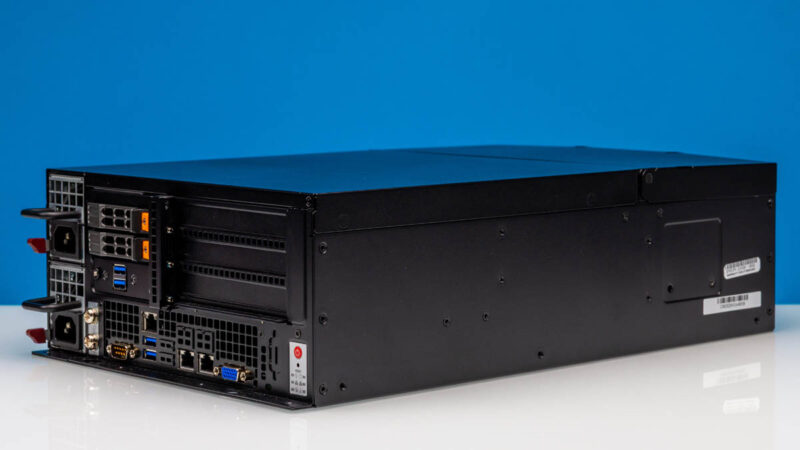
Part of what makes this system different is its dimensions. At 4.62″ (117.348 mm) x 10.5″ (266.7 mm) x 16″ (406.4 mm), it is a neat little box. One reason it is so neat is that it is a front I/O system.
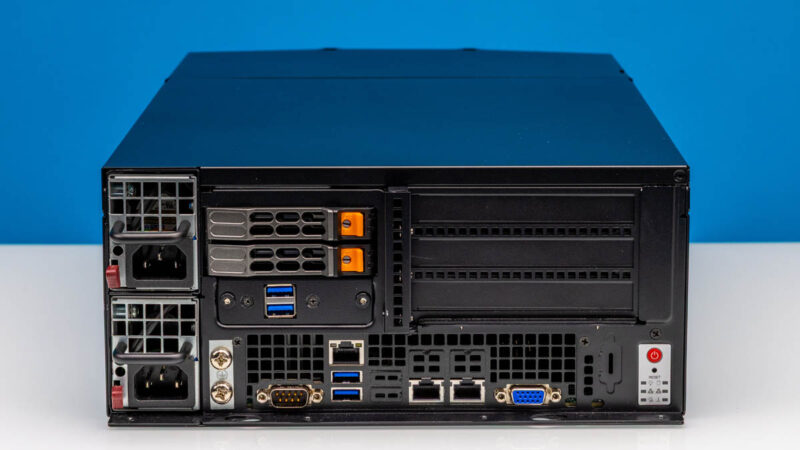
On the front left, we get redundant power supplies and also two hot-swappable 2.5″ NVMe SSDs.
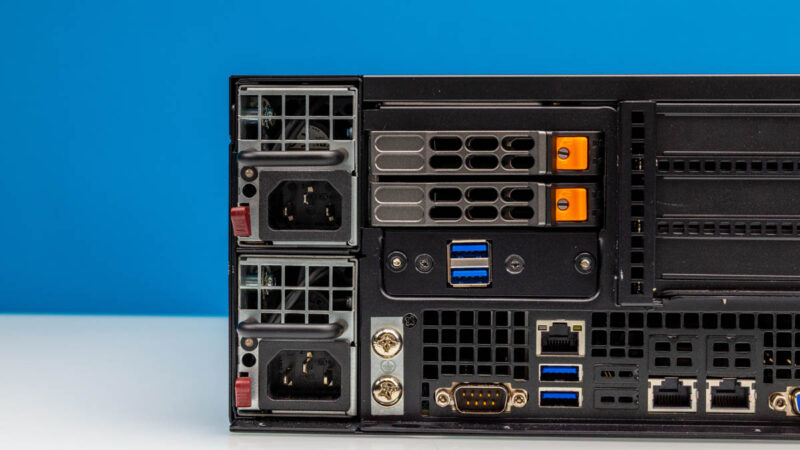
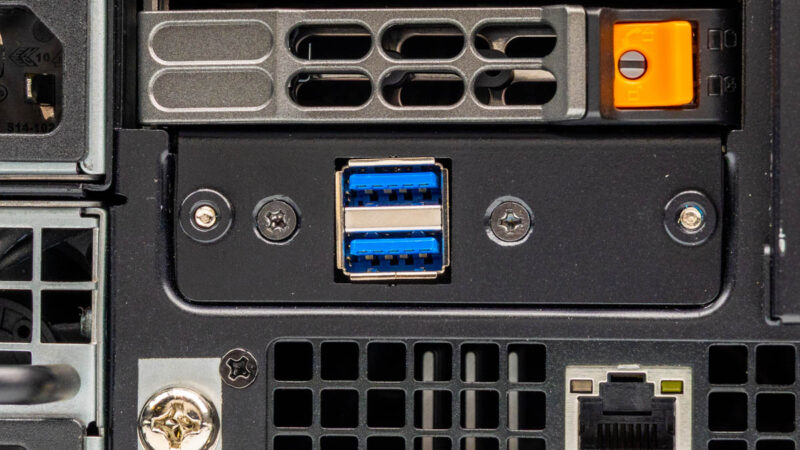
Then we get two USB 3 Type-A ports. On some of the systems in the E403 series, these were USB 2 ports, but this is one that we are not entirely sure why USB versus something else here.
Next to the grounding points, we get a serial port, two more USB Type-A ports, then the out-of-band IPMI management port.
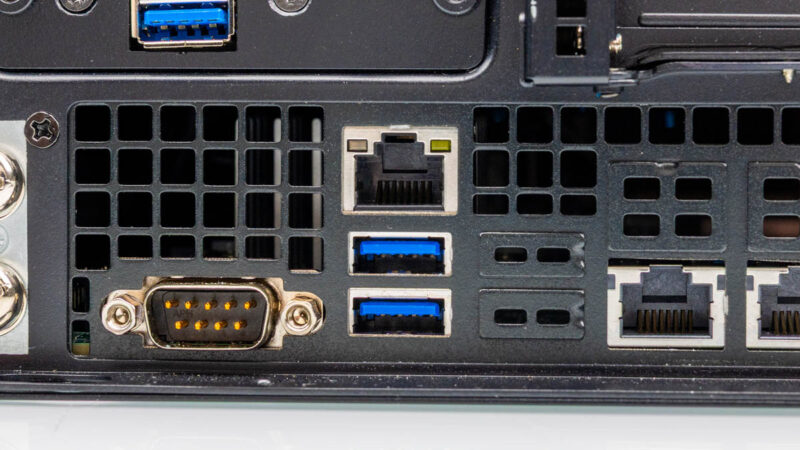
Onboard dual 10Gbase-T networking is provided by the Intel X550 chipset.
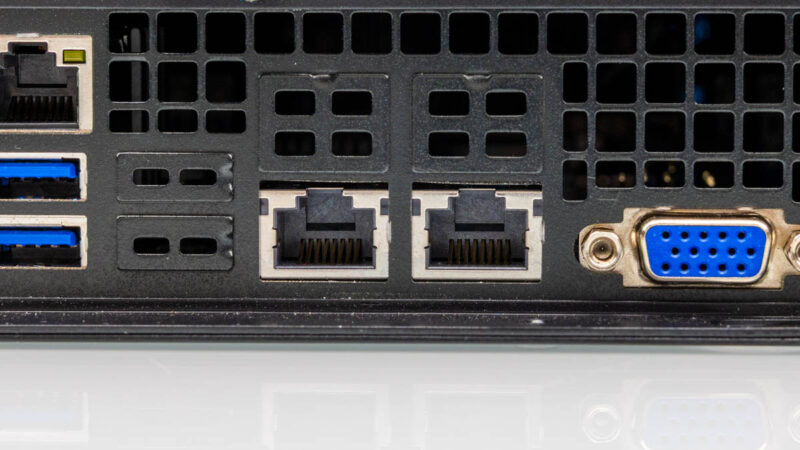
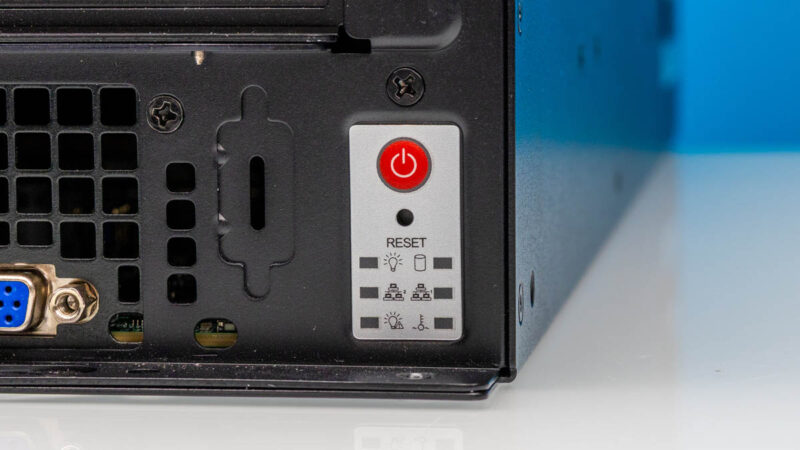
There is then a VGA port, followed by the power and status LED cluster.
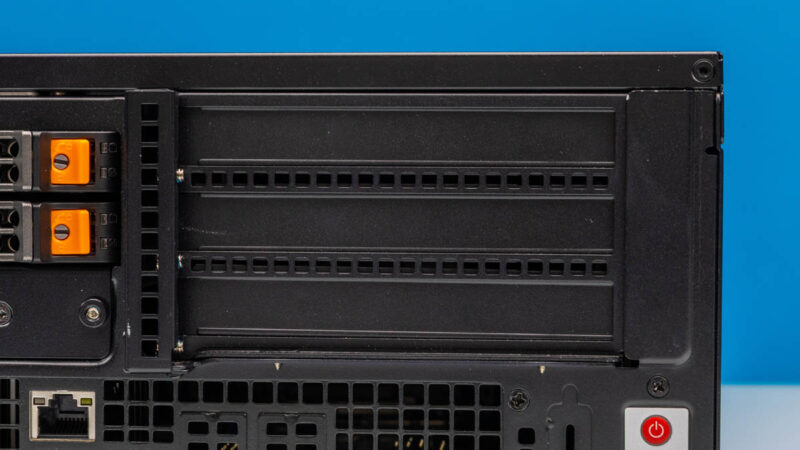
One of the most useful features, by far, is the array of three full height PCIe slots.
As a fun aside, this is the same line that we did the Hands-on with the IP65-rated Supermicro Outdoor Edge System back in 2020. The idea is that this package offers a lot of flexibility for edge deployments.
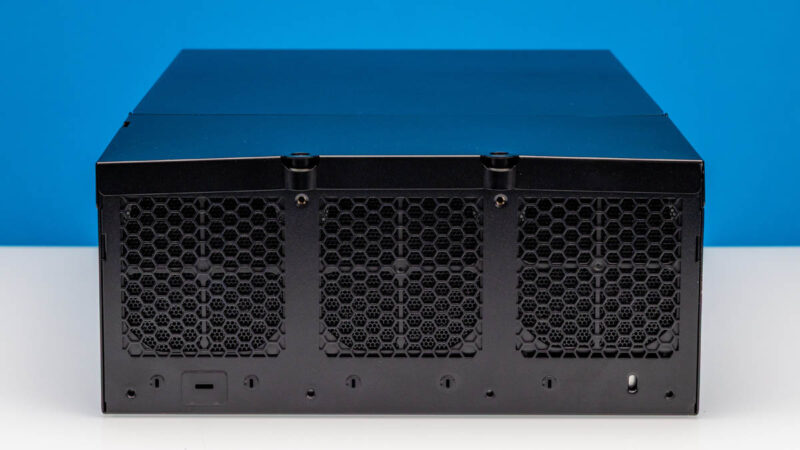
Part of that is the rear. There are only fans here because this is designed to be fully front serviceable. Having all of the cables and the power supplies on the front means that these can be packed into racks that do not have enough room for someone to service behind them. This is actually a very common use case, and that is why we often see this type of configuration.
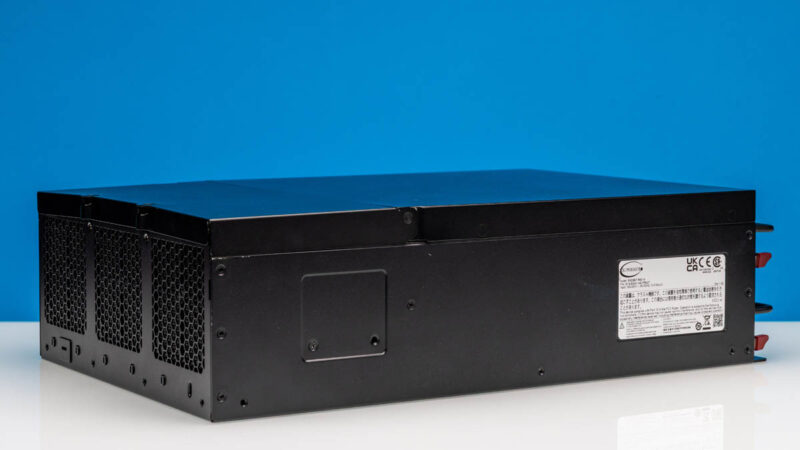
Here is just a quick look at the other side.
Next, let us get inside the server to see how it works.
Supermicro SYS-E403-14B-FRN2T Internal Hardware Overview
The top hinges up, and then one screw later, the top pops off, and you can see inside the system.

Here are the fans that cool the entire system.

You can pull the fans out to service them.

Here is a quick look at the hot swap fan connector.

You may have seen the little latch near the chassis edge and the PCIe riser. This is the latch that releases the three full-height PCIe slot riser.

Here is that riser out. You can see three PCIe Gen5 x16 slots. To feed these, there are two MCIO x8 connectors for adding lanes to the riser.

The storage configuration is interesting. There are spaces for two internal SATA SSDs, along with the two U.2 NVMe hot swap bays.

So one can get four 2.5″ drives total into this system.

Underpinning the entire platform is the Intel Xeon 6 socket.

Also, You can use either the Intel Xeon 6700E series or the 6700P/ 6500P series. It turns out that Intel’s E-core Xeons are quite popular for network and CPE applications, so that E-core support means you can get up to 144 cores in this system.

There are eight memory channels, and it is only one DIMM per channel. That limits memory capacity, but in an era of costly DDR5, perhaps that makes sense.

Cooling wise, this can handle up to 300W TDP CPUs.

Beyond the CPU, there are a few more features in this system.

First, here are the riser slots.

There are also two PCIe Gen5 x2 M.2 slots.

There are a number of MCIO connectors throughout the motherboard to feed the NVMe bays along with the PCIe slots.

Onboard there is also an ASPEED AST2600 BMC.

Next, let us see the topology of the system.
Supermicro SYS-E403-14B-FRN2T Topology
Here is the block diagram. Something small, but notable here is that the socket is at the bottom of the system. That is not something we normally see, but it tells you just how different this system is. Supermicro has also had Xeon D systems in the E403 line, so this is not the first one that skipped a PCH.

Here is a quick look at the topology.

Next, let us get to the management.
Supermicro SYS-E403-14B-FRN2T Management
This system uses the industry-standard ASPEED AST2600 BMC.
We also logged in to see Supermicro’s standard IPMI interface.

That means we get all of the features, such as being able to get our inventory of components.

That is useful since oftentimes these systems are deployed at the edge, where it is challenging to do manual inventories.

Since there are redundant PSUs, it is useful to monitor both and check the load status.

As you might imagine, a key feature is the iKVM functionality with remote media.

Overall, this is the same management as you would expect to see on mainstream Supermicro servers.
Next, let us get to the performance.
Supermicro SYS-E403-14B-FRN2T Performance
This system is using the Intel Xeon 6521P. That is a 24-core processor with 144MB of L3 cache.

We tested this in a standard rackmount server and performance-wise, we saw what we would expect:
As a note, the Intel Xeon 6521P has a 225W TDP in a system rated for 300W. We would not expect that this system would have any challenges cooling the processor, given this delta.

This is a very solid performance, as one might expect. With a relatively tame CPU and cooling designed to cool both the CPU as well as high-speed GPUs, we are not stressing the cooling too much here.
Just as a quick aside, we ran two NVIDIA ConnectX-7 400GbE NICs in here and managed to get full 400Gbps speeds from both. Those are not the easiest cards to cool, either.
Supermicro SYS-E403-14B-FRN2T Power Consumption
Power is provided by redundant 800W 80Plus Platinum power supplies, but there are options for a single PSU as well.

Loading this CPU up, we saw 225W package power consumption, so we knew that we would be using a decent amount of power.

At idle, we were under 200W, but under load, we were closer to 400W.

From a noise perspective, do not expect this configuration to be silent.
STH Server Spider: Supermicro SYS-E403-14B-FRN2T
In the second half of 2018, we introduced the STH Server Spider as a quick reference to where a server system’s aptitude lies. Our goal is to start giving a quick visual depiction of the types of parameters that a server is targeted at.

This is not the densest system, but it offers a good base platform to customize using the PCIe slots. Often, you would see either a high-end NVIDIA GPU, several lower-end inferencing GPUs, or a bunch of network cards/ DPUs in here. With three PCIe Gen5 x16 slots, you have a lot of options, but not as many built in.
Final Words
This is going to sound strange, but one of the great features of this platform is really the front I/O, and the three PCIe slots. The ability to customize this system with up to three 400Gbps NICs, or to use a dual slot GPU plus a high-speed NIC, or just add lots of lower-speed ports, there is a lot you can do with that PCIe block.

In previous generations, with the Intel Xeon D, this was often a more network-focused box. Now, with the Intel Xeon 6, you can get both QAT acceleration, lots of memory bandwidth, and ample PCIe connectivity. For some reason, as much as we have used systems like the HPE ProLiant MicroServer Gen11, as the MicroServer has gotten more expensive, it starts to make this type of system look extremely attractive. It is slightly larger, it is more expensive, but with up to a 144 E-core processor, eight RDIMMs, and lots of PCIe Gen5 slots, you can do a lot with the E403 well beyond what you can do with smaller socket systems. If you have been looking at a MicroServer Gen11 and been frustrated by still using 1GbE and non-hot-swappable 3.5″ drives, and limited expandability, this, in many ways, becomes a great option.

After wanting to review the Supermicro E403 systems for years, we finally had the chance. At some point, we will likely pick one of these up for the lab, just because it is a fun form factor. At some point, we hooked up 800Gbps of networking using two NVIDIA ConnectX-7 cards, and that was just a neat configuration for an edge box. Overall, this is a cool little server.